

Virtual Care Benefits
Many of our network providers offer convenient virtual care services. In addition, SmartHealth members can access low cost virtual urgent care, therapy, and psychiatry across the nation using LiveHealth Online via your computer, tablet or smartphone!
How to start a visit on LiveHealth Online
Step 1: Go to livehealthonline.com or mobile app and sign up or log in to your account.
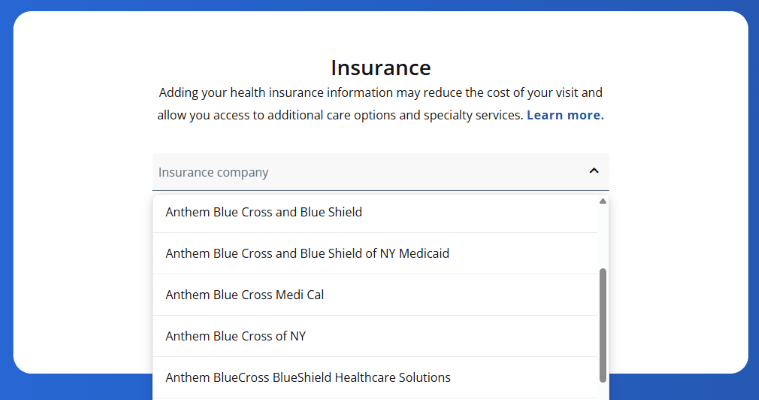
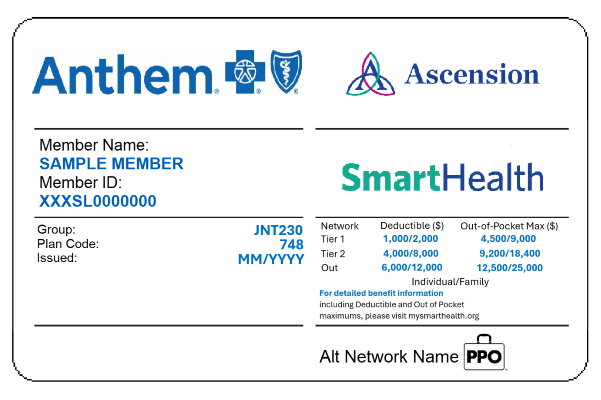
Step 2: Choose Anthem Blue Cross Blue Shield from the drop-down menu. Enter your Member ID number from your insurance card.
Step 3: Select "Set Up New Visit"
Scan the QR Code to access the LiveHealth Online mobile app.

Behavioral Health
Find behavioral health and well-being resources here.